Is everyone working from the Latest Drawing?
A single platform for the entire project team. LatestDrawing connects designers, contractors, consultants, and clients to reduce miscommunication and keep everyone aligned.
First Project Free · Built for UK studios
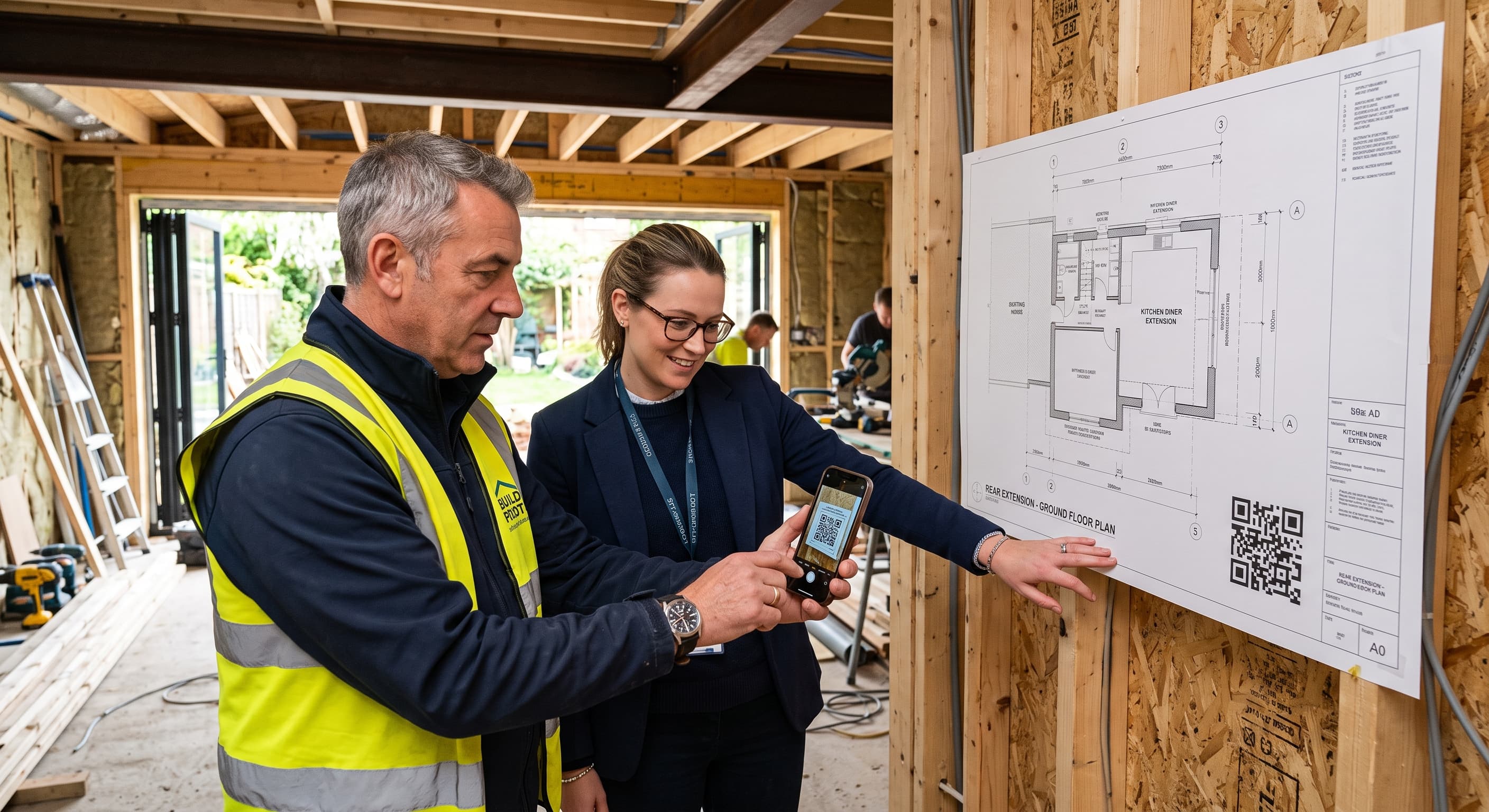
- No app to install
- First Project Free
- Unlimited Revisions
- UK-based support
How it works
Everyone on the same page. Literally.
01
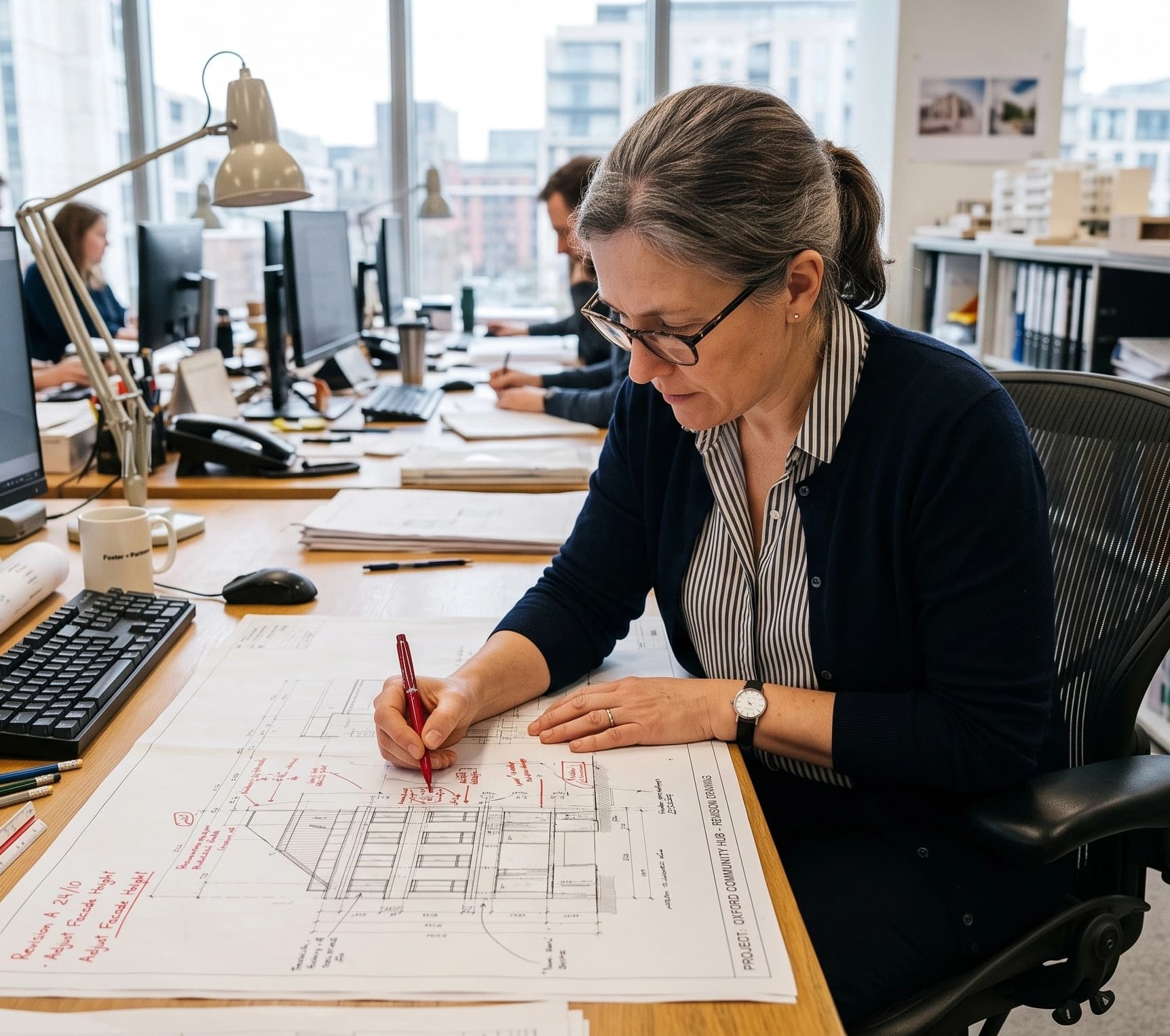
Upload and stamp
The architect uploads a revision. A QR code is stamped onto the sheet automatically.
02
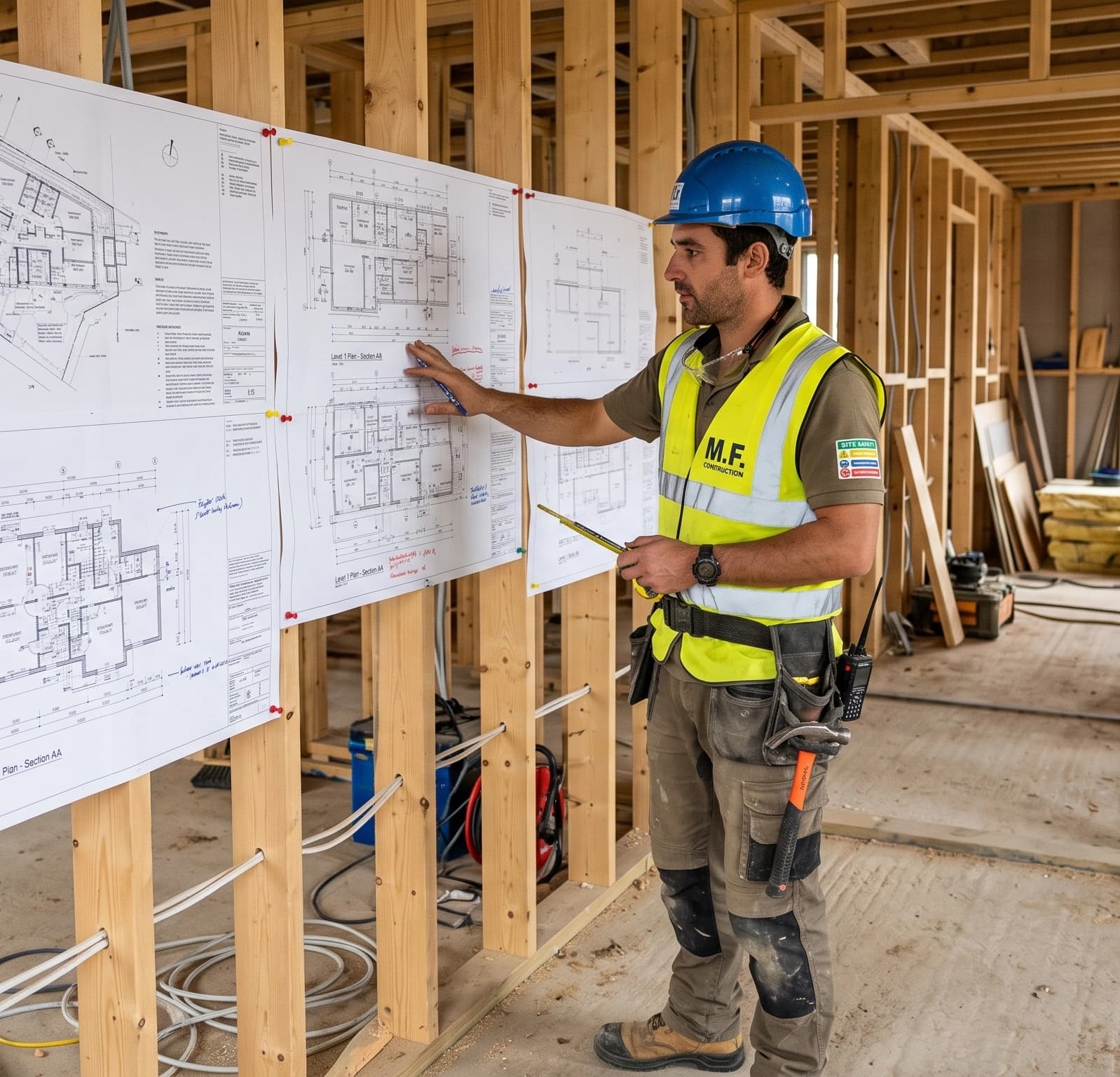
Everyone is notified
The builder, client and consultants see the new revision straight away — no more searching for drawings in emails.
03
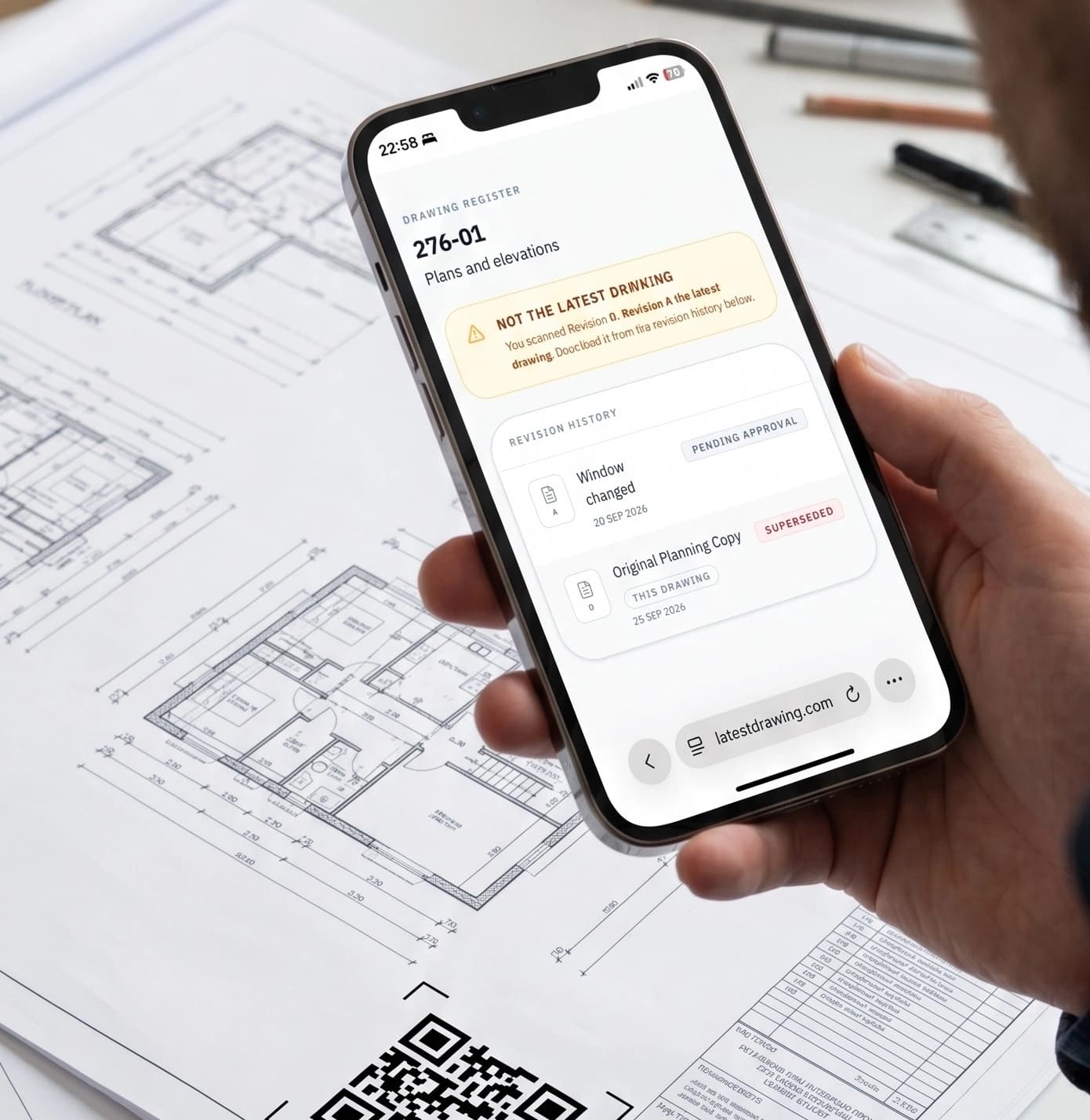
Check on site
Anyone can scan a printed sheet and instantly see whether it is current or superseded.
Built for the whole project
A live drawing register. Always up to date.

For architects & designers
Issue once. Stay in control.
- Stop re-sending drawings — everyone has the live register.
- Know exactly which revision is on site.
- Keep a record of every change agreed on site.
- Use Forms to gather information and sign-offs.
- Send Documents for online acceptance.
- Record site visits with photos.
- Track new enquiries with Leads and turn them into projects.

For builders & contractors
Build from the right drawing.
- Always work from the current revision.
- Scan any sheet on site to check it.
- Receive changes agreed on site.
- See site visit records as they are published.
For clients & consultants
Free to join.
First project free. Join as an Architect, Designer or Contractor and ensure future projects run more smoothly.
Features
On every project.
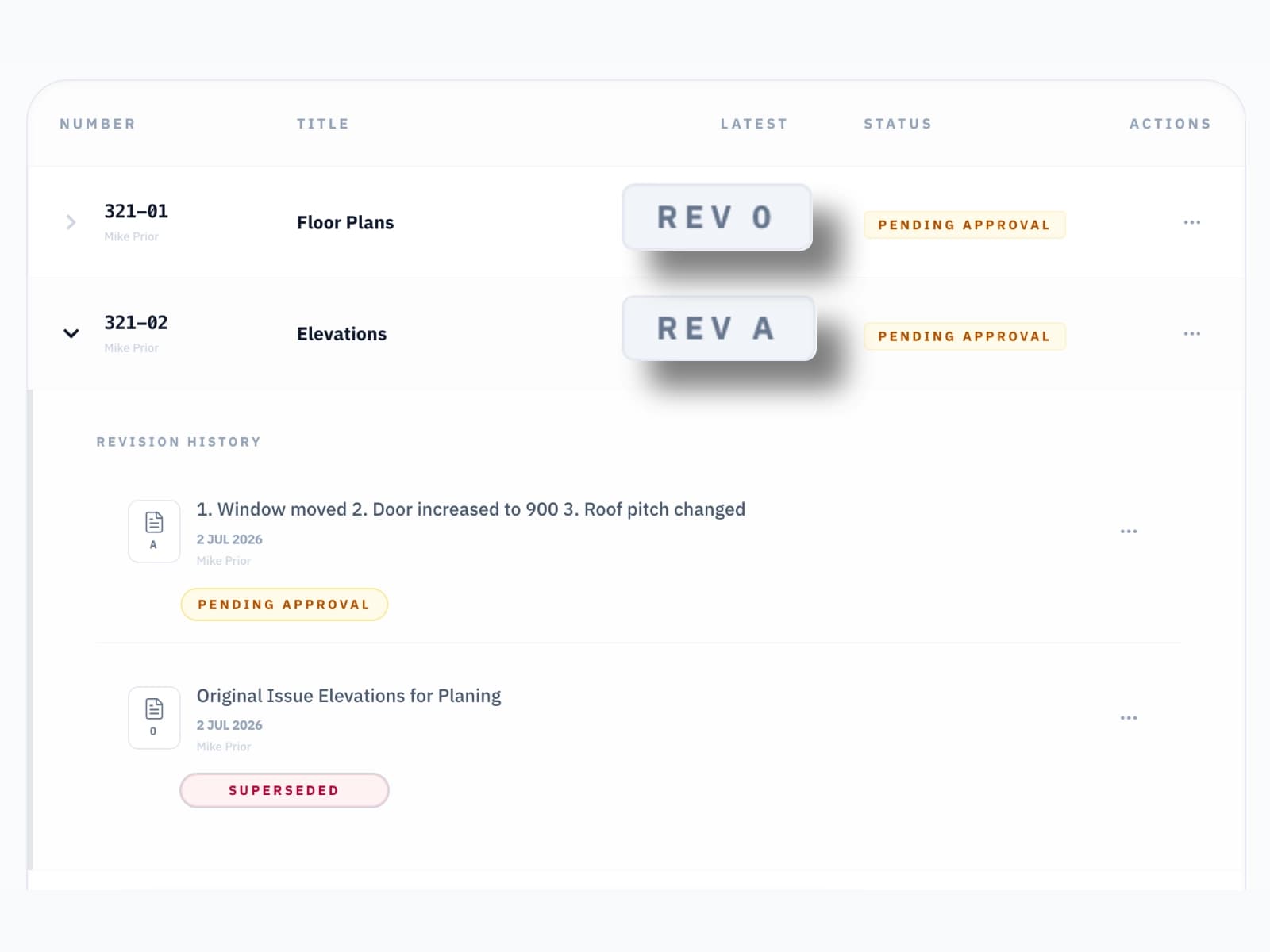
A shared, up to date
Drawing Register
Organise sheets into folders. Every revision is versioned and timestamped, and nothing is lost when a new one is issued.
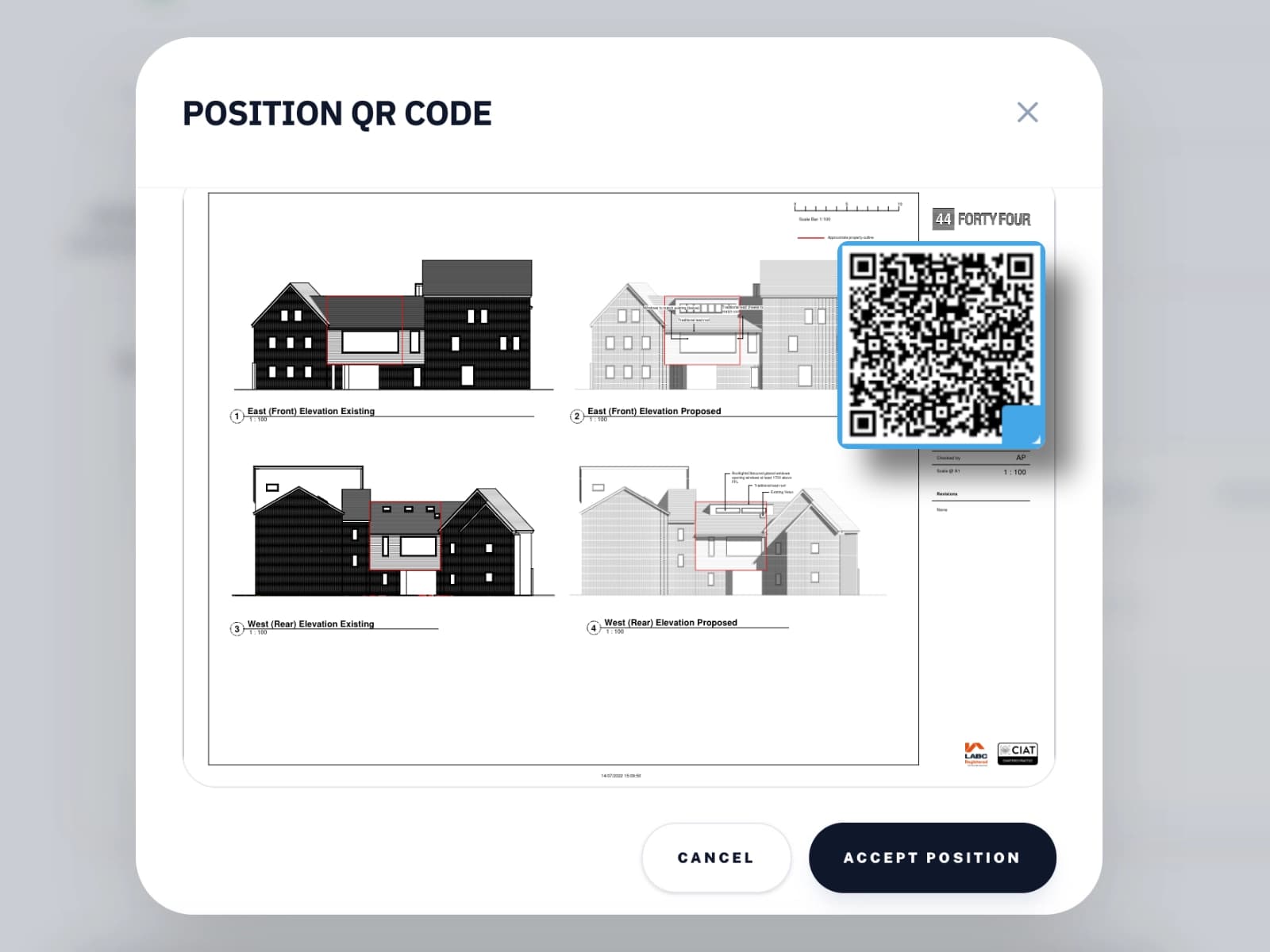
Check on site with
QR Codes
A QR code is stamped on every sheet. Scan on site to check you have the Latest Drawing.
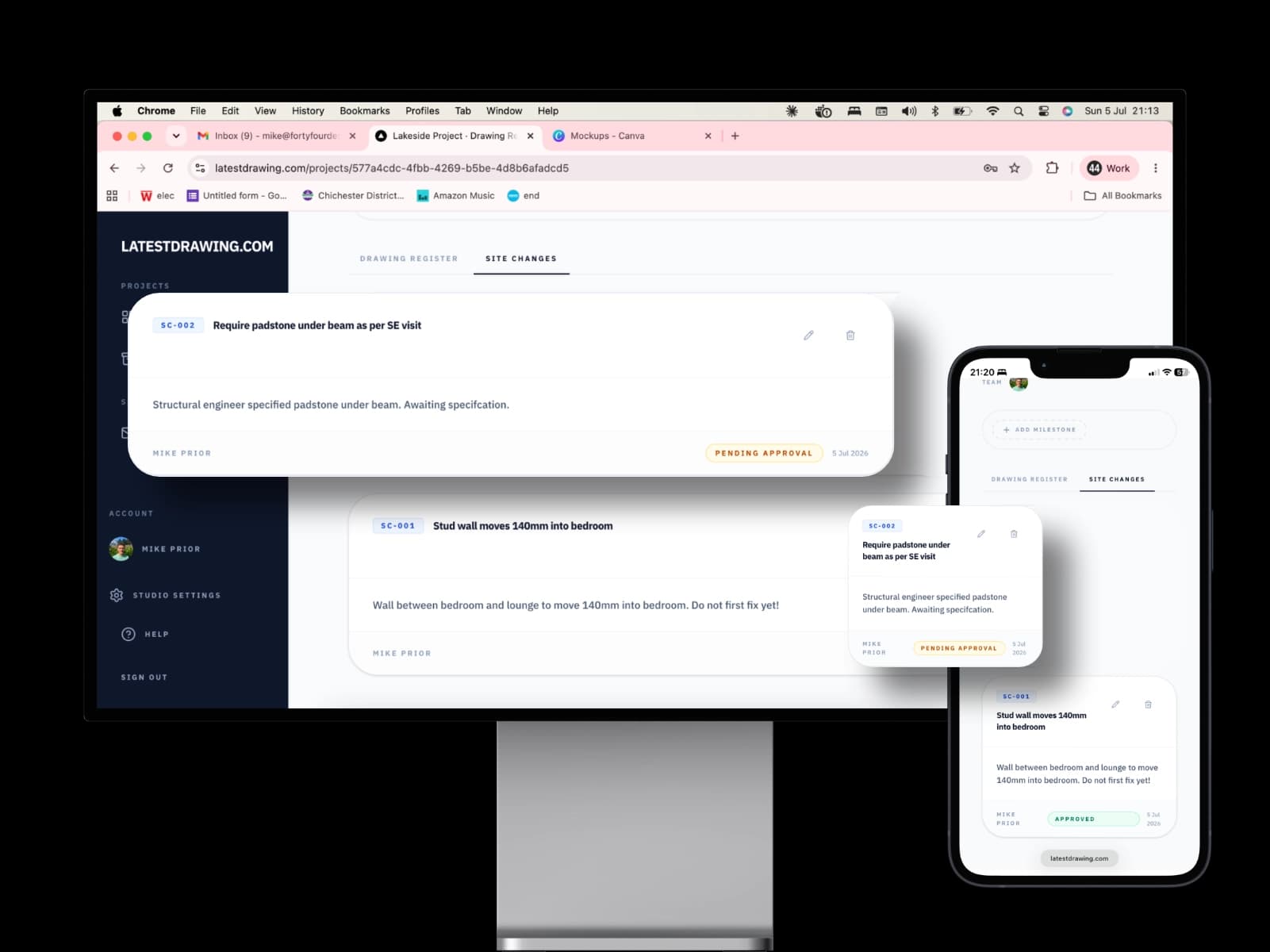
Record all variations and extras
Site Changes
Issue a numbered Site Change with photos. Everyone involved is notified, with a record of who was told.
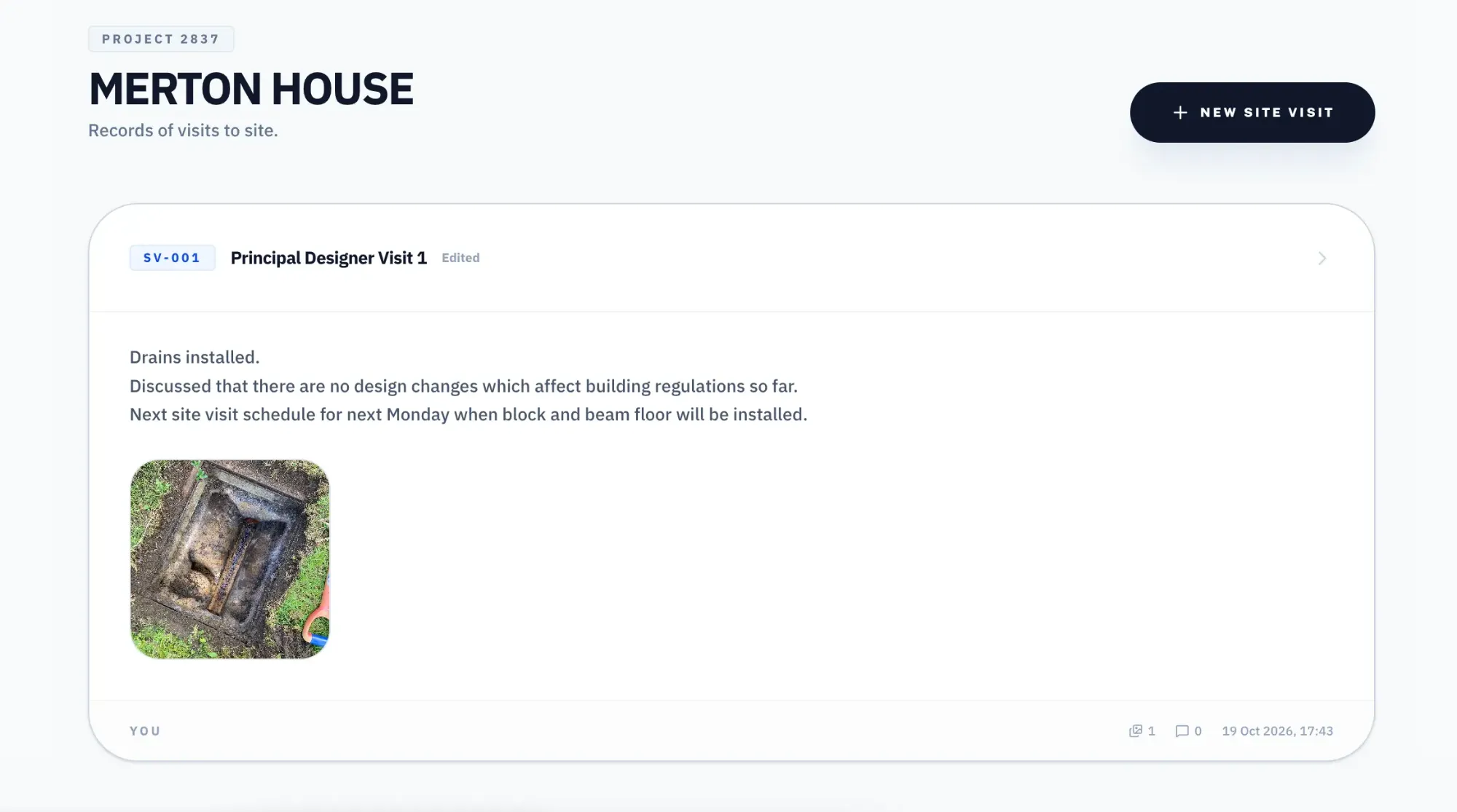
Record visits and photosNew
Site Visits
Notes and up to 50 photos from your phone. Publish a numbered record everyone on the project can see.
Learn more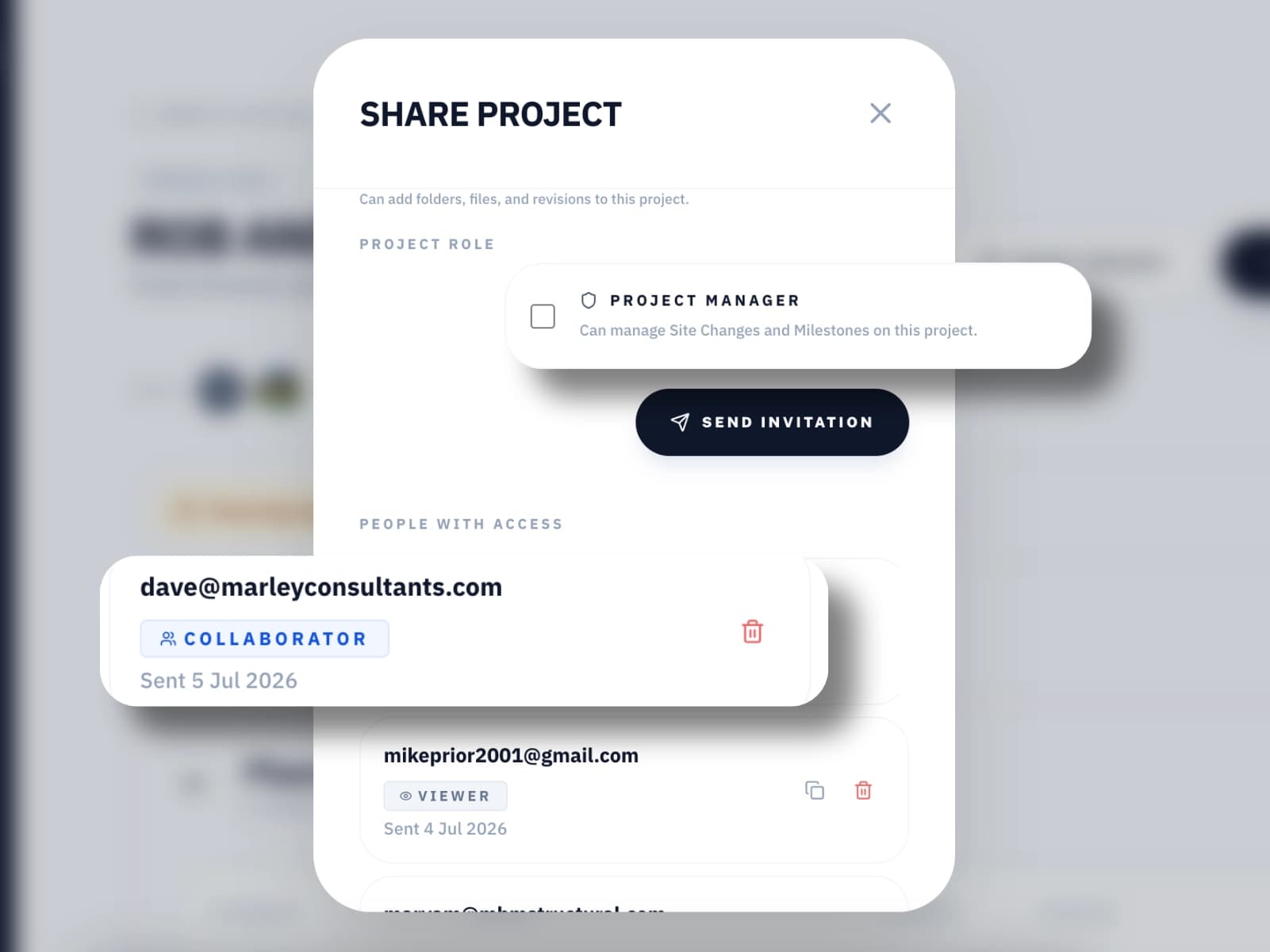
Everyone working together
Invite Everyone
Invite engineers, consultants and clients as Viewers or Collaborators, give Approvers the power to sign off revisions and Site Changes, and show everyone who the Principal Designer and Principal Contractor are. Your project is a team effort; keep everyone informed.
Stay on track
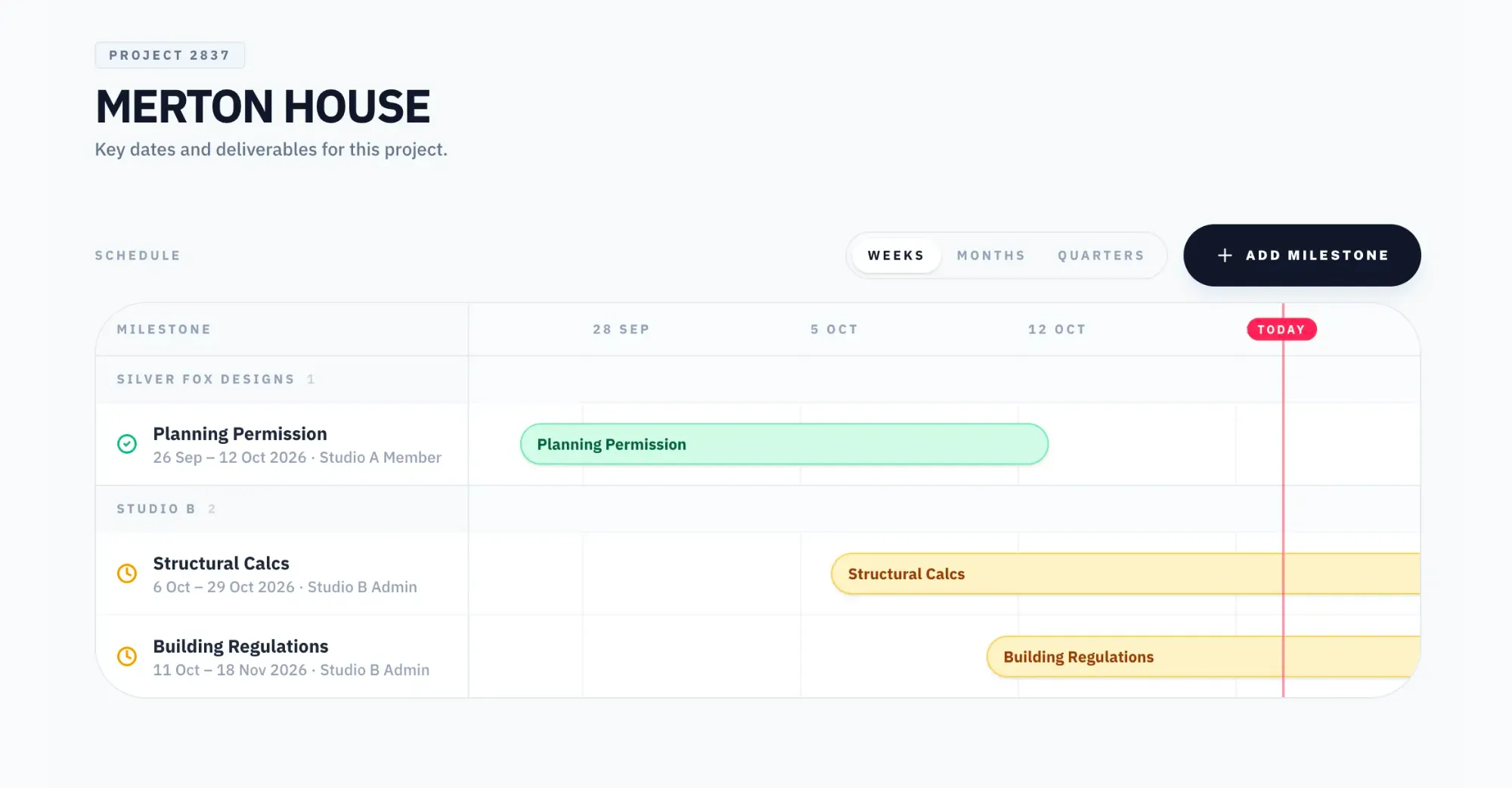
Project Milestones
Track planning, building regs, site start and completion, so nobody has to phone to ask.
Capture informationNew
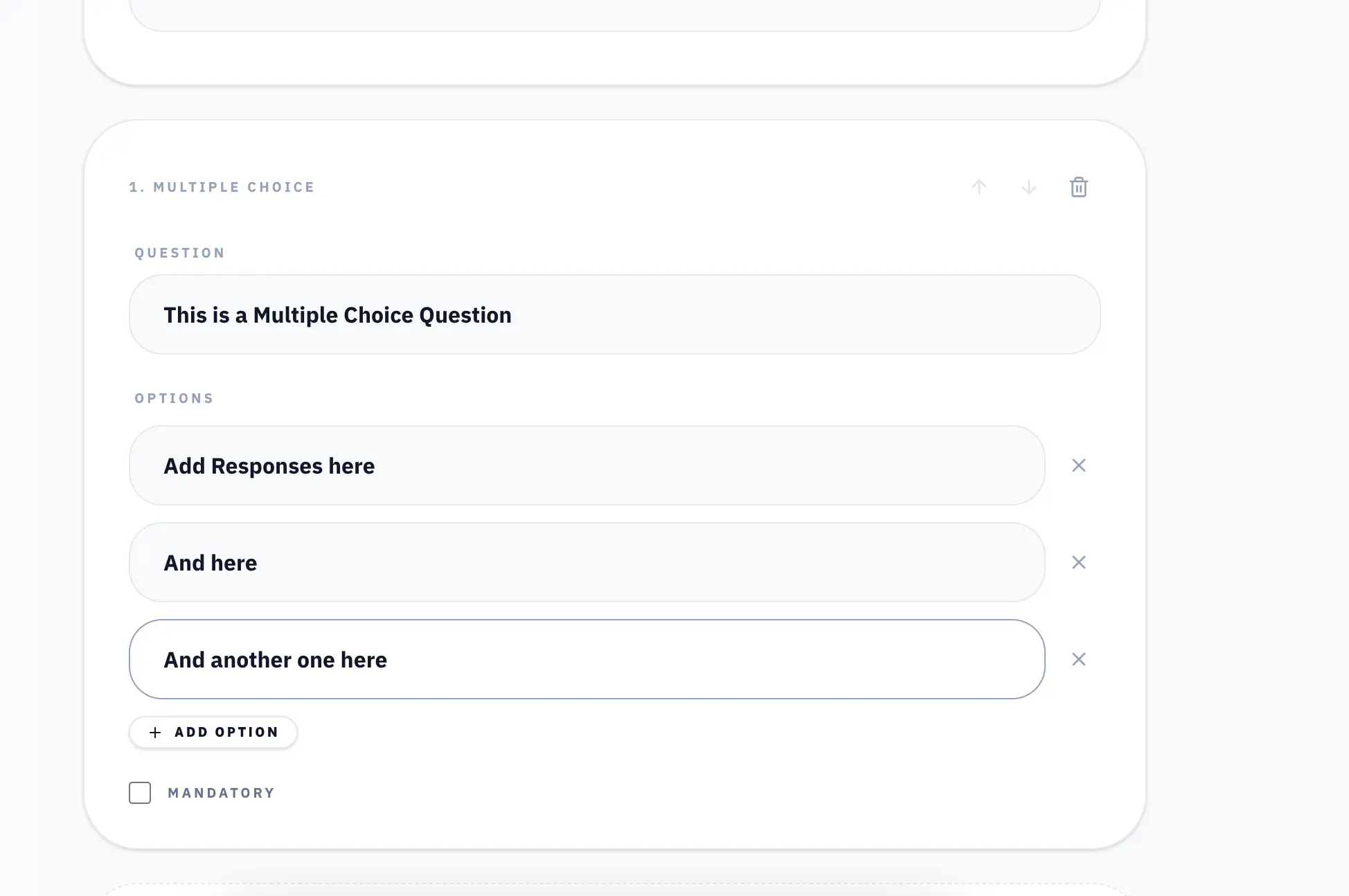
Form Builder
Send clients and consultants forms with tick-to-agree terms and photo uploads. Answers are locked once submitted.
Learn more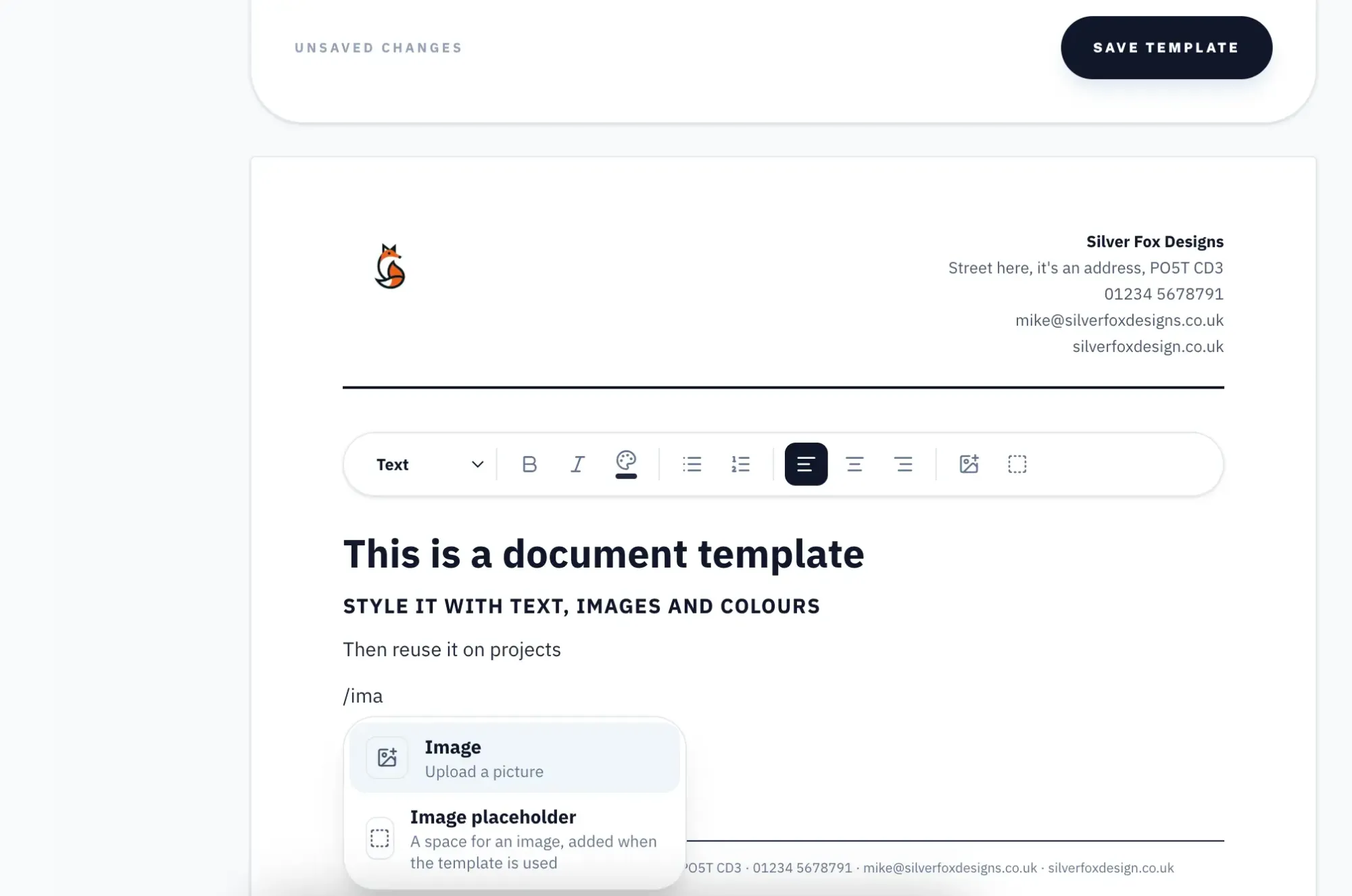
Send InformationNew
Documents and Templates
Proposals and appointment letters on your letterhead. See when they are read, and record exactly what was accepted.
Learn more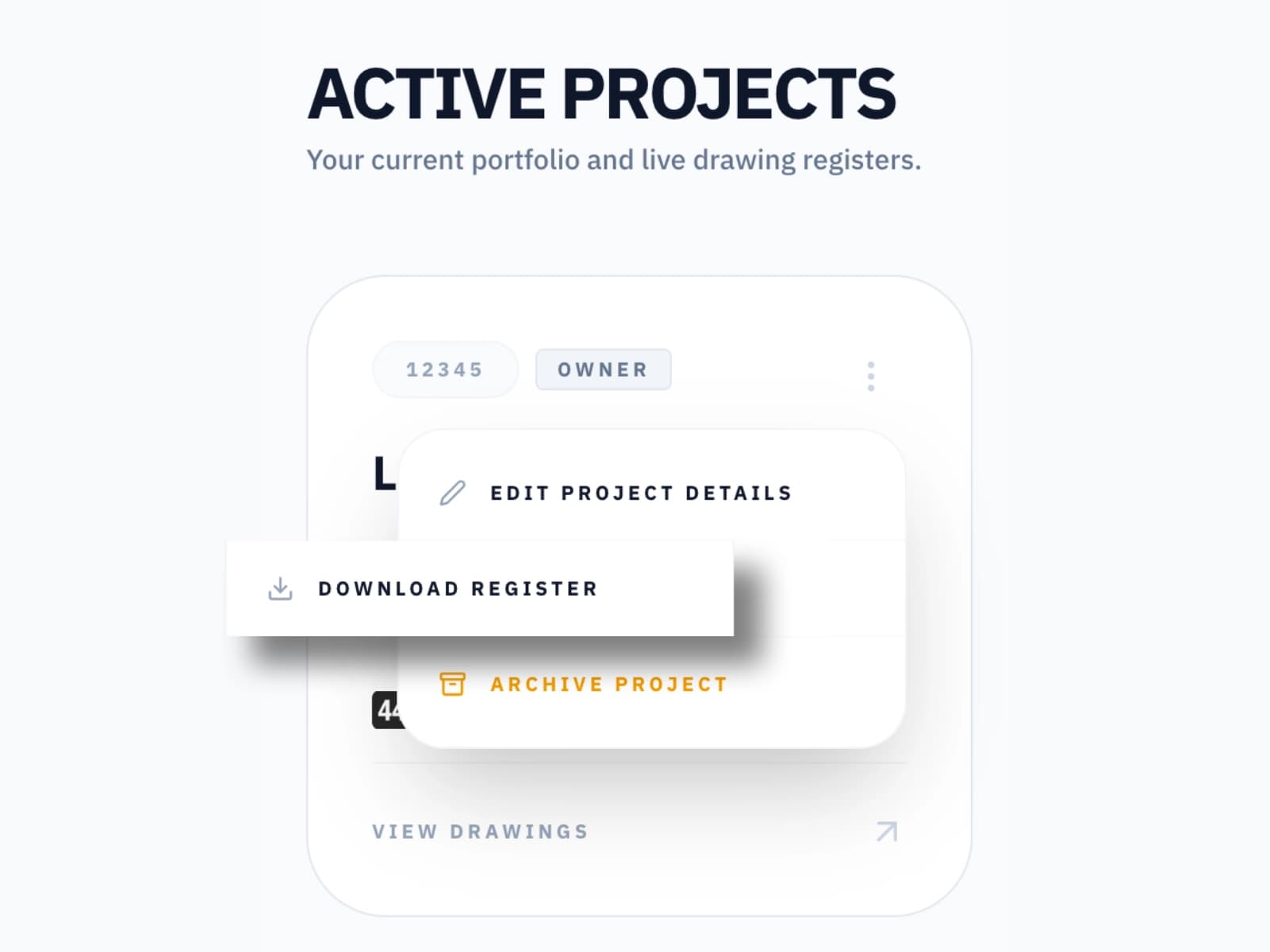
Easy Handover
Export and Download Entire Project
At the end of the project, simply download the project in a click and share with clients.
For your studio
With tools to help your studio run more efficiently
LeadsNew
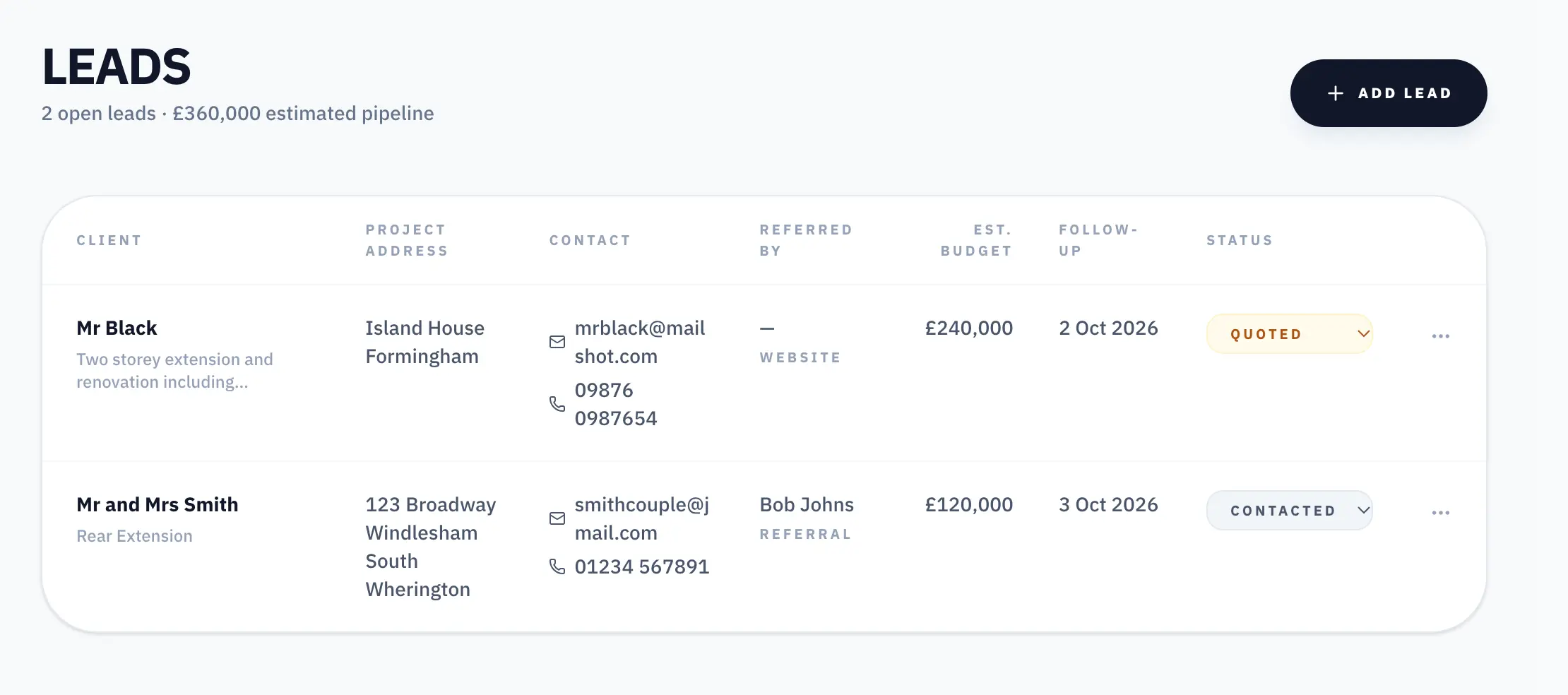
From enquiry to project.
Track new enquiries, follow-ups and budgets. When you win one, turn it into a project in one click.
Team & Roles
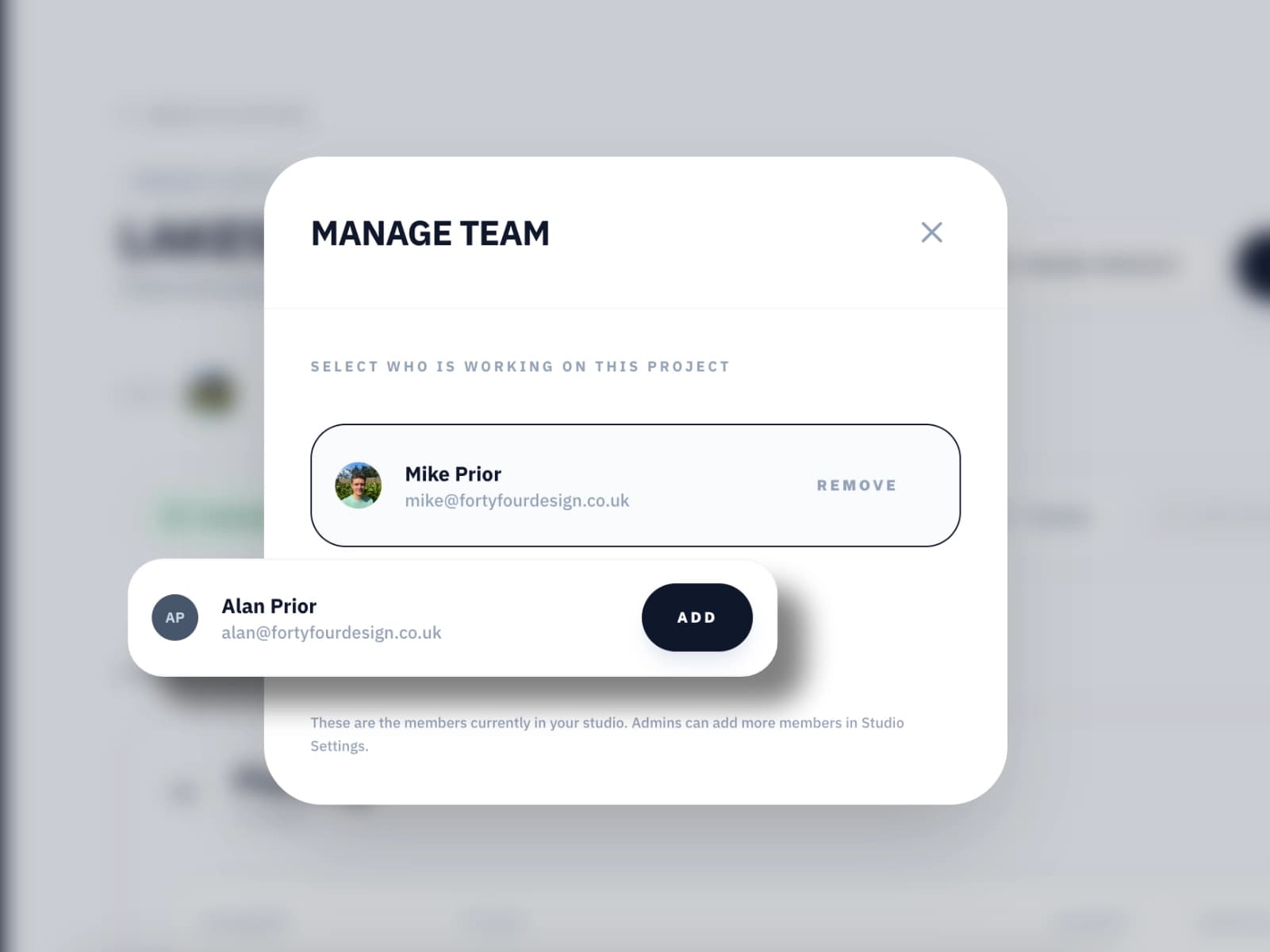
Your whole studio, organised.
Add your team, choose who works on which project, and set who can do what.
Pricing
Start free. Upgrade when you're ready.
Viewing is always free for everyone you invite.
Free
Try LatestDrawing.com with no commitment.
- 250 MB storage
- Unlimited projects and team members
- Access to all features
- Unlimited revisions*
- Email support
Solo
For sole practitioners managing their own projects.
- 2 GB storage
- Unlimited projects and team members
- Access to all features
- Unlimited revisions*
- Email support
Small
For small practices managing multiple active projects.
- 5 GB storage
- Unlimited projects and team members
- Access to all features
- Unlimited revisions*
- Email support
- Getting started training online call
Large
For larger studios with high project volume.
- 15 GB storage
- Unlimited projects and team members
- Access to all features
- Unlimited revisions*
- Email support
- Getting started training online call
All accounts start on the Free plan. Upgrade anytime from Studio Settings once you've signed up.
*Unlimited revisions within your plan’s storage. Work out how much you’ll need.
Free training call with every Small and Large plan — we'll get your team set up online.
The Latest Drawing. For everyone on your project.
Set up your first project in minutes. Invite your team, your builder and your client for free.
Get Started FreeNo credit card required. Free forever on the Free plan.